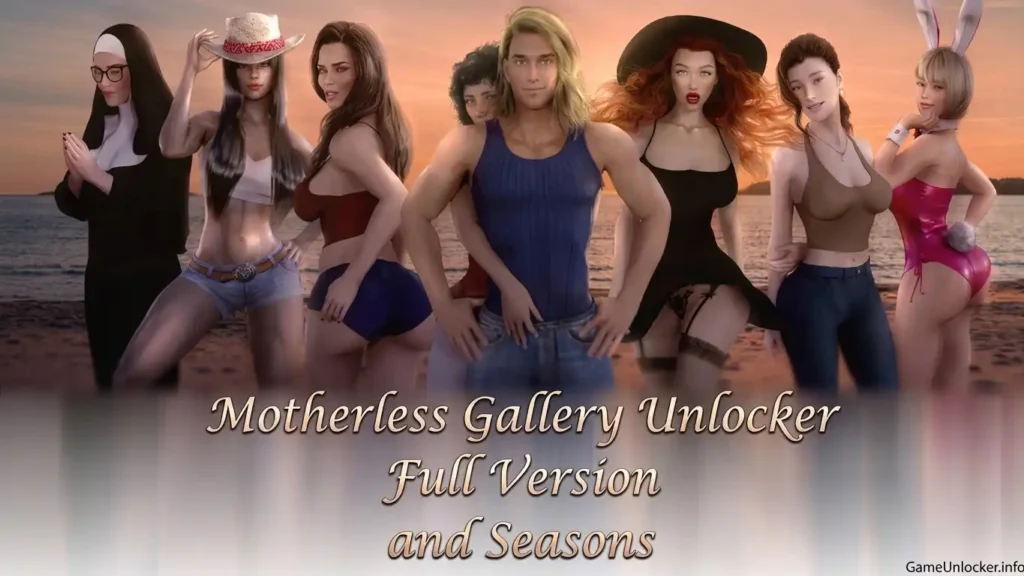
Want to unlock the full gallery in Motherless? Gallery Unlocker files are available for the Full Version as well as the standalone Season 1, Season 2, and Season 3 releases.
If you downloaded Motherless from Steam, you should use the Full Version Gallery Unlocker. The Season unlockers are intended for the standalone versions of each season.
Motherless Gallery Unlocker
There are separate unlocker files for each release. Choose the one that matches the version of Motherless you have installed.
- Full Version – For the complete game
- Season 1 – Standalone version
- Season 2 – Standalone version
- Season 3 – Standalone version
How to Install
The installation process is the same for all versions. Extract the downloaded archive and copy the files into the game’s game folder.
- Download the unlocker that matches your version of Motherless.
- Extract the downloaded file.
- Open the game’s installation folder.
- Open the game folder.
- Copy the extracted unlocker files into the game folder.
- Launch Motherless and check the gallery.
Make sure you use the correct unlocker for your version. The standalone Season files are separate from the Full Version.
Download
Choose the Gallery Unlocker that matches your Motherless release.
![Fresh Women Gallery Unlocker [All Seasons]](https://gameunlocker.info/wp-content/uploads/2026/09/Gemini_Generated_Image_eo0ujneo0ujneo0u-optimized-1024x538.webp)
![Taffy Tales Gallery Unlocker Download [All Version]](https://gameunlocker.info/wp-content/uploads/2026/09/Gemini_Generated_Image_e1lm0ge1lm0ge1lm-1-1024x587.webp)